
Run the pipeline from #hiring.
New candidates, replies and bookings show up where your team already works. Approve, pass and discuss a candidate in the thread, without opening the app.
How it works.
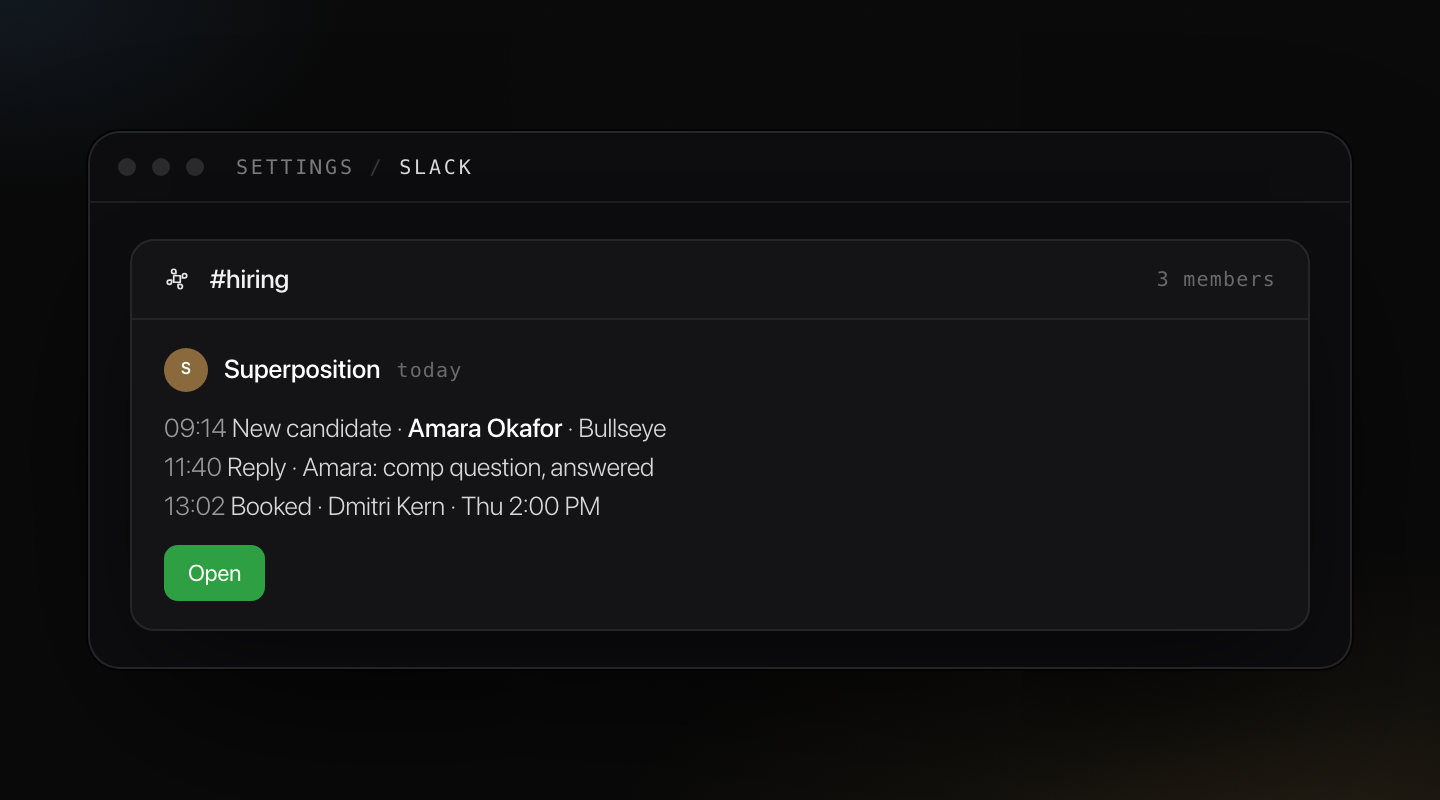
Notifications that matter
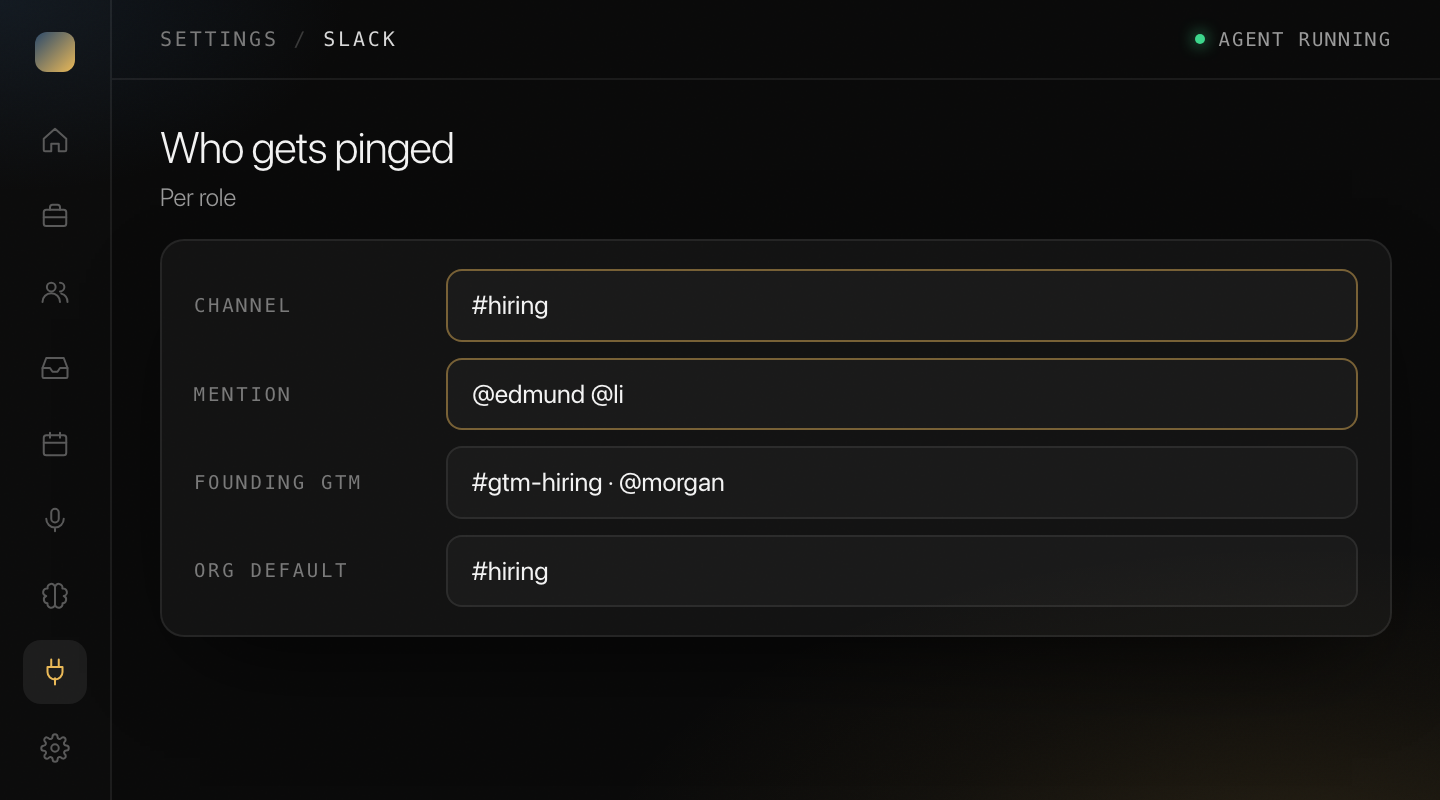
New candidates added, replies received, interviews booked. Pick a default channel and who gets mentioned, per role or across the org.
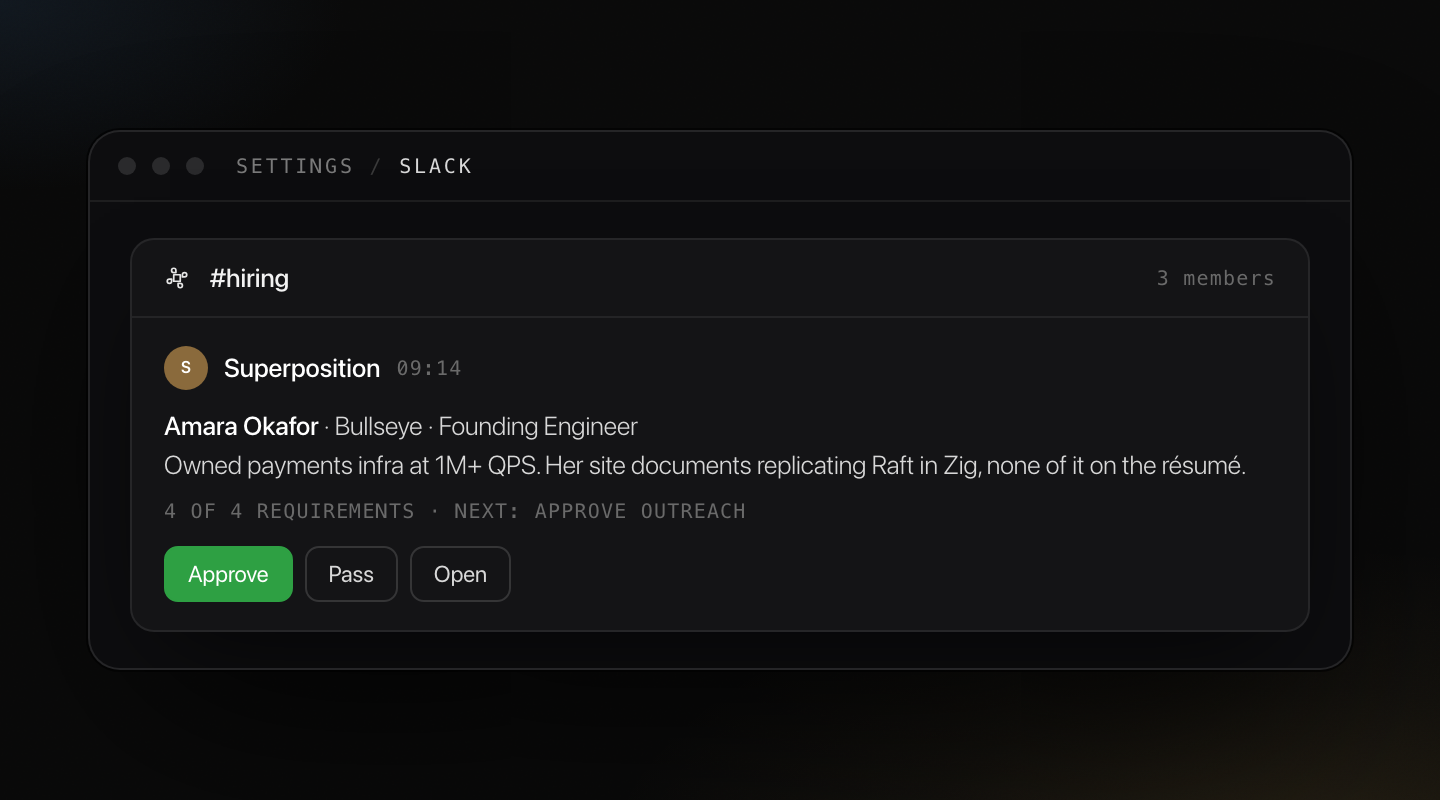
Candidates as rich cards
Share a candidate to Slack with the fit summary, reasoning and next steps. The team reviews in one glance.
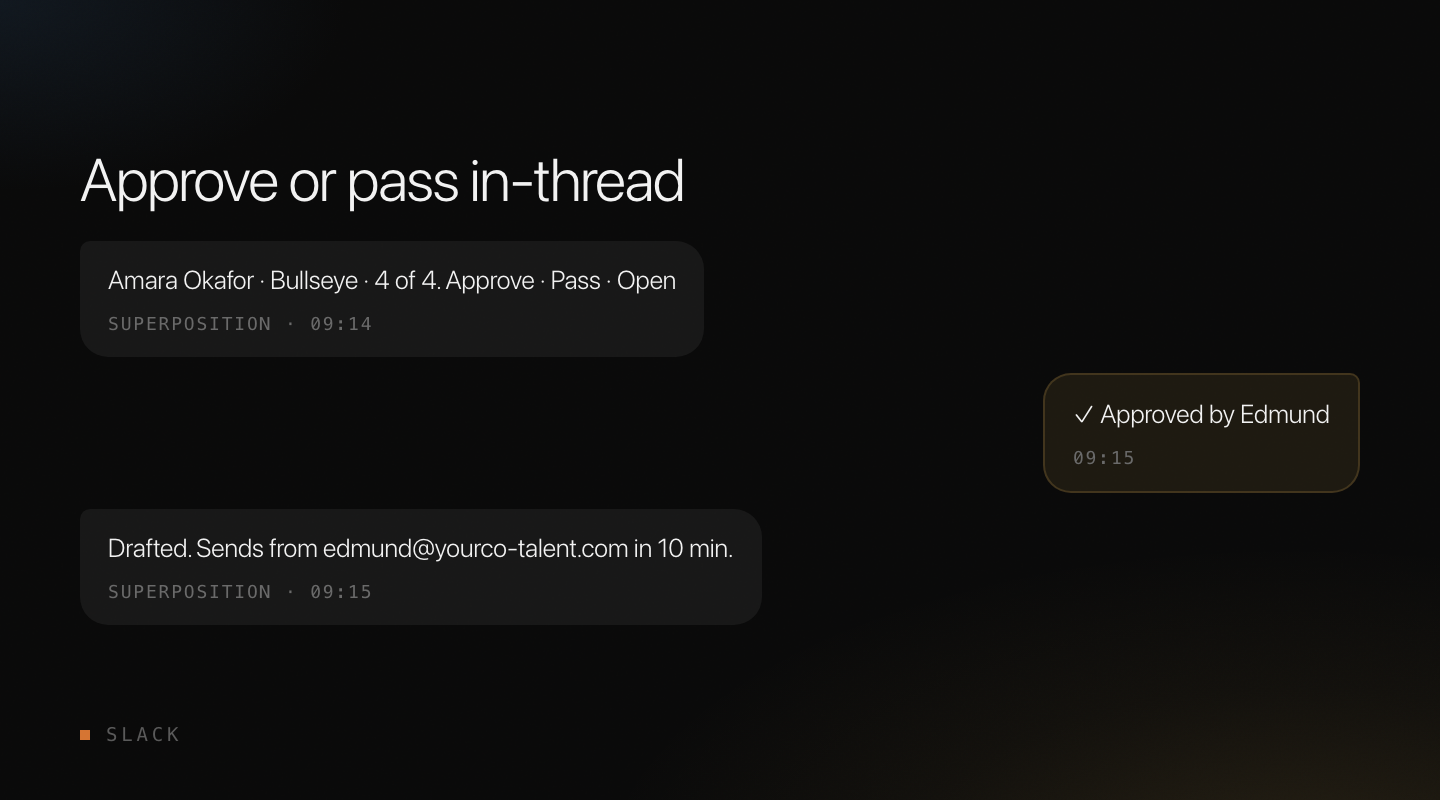
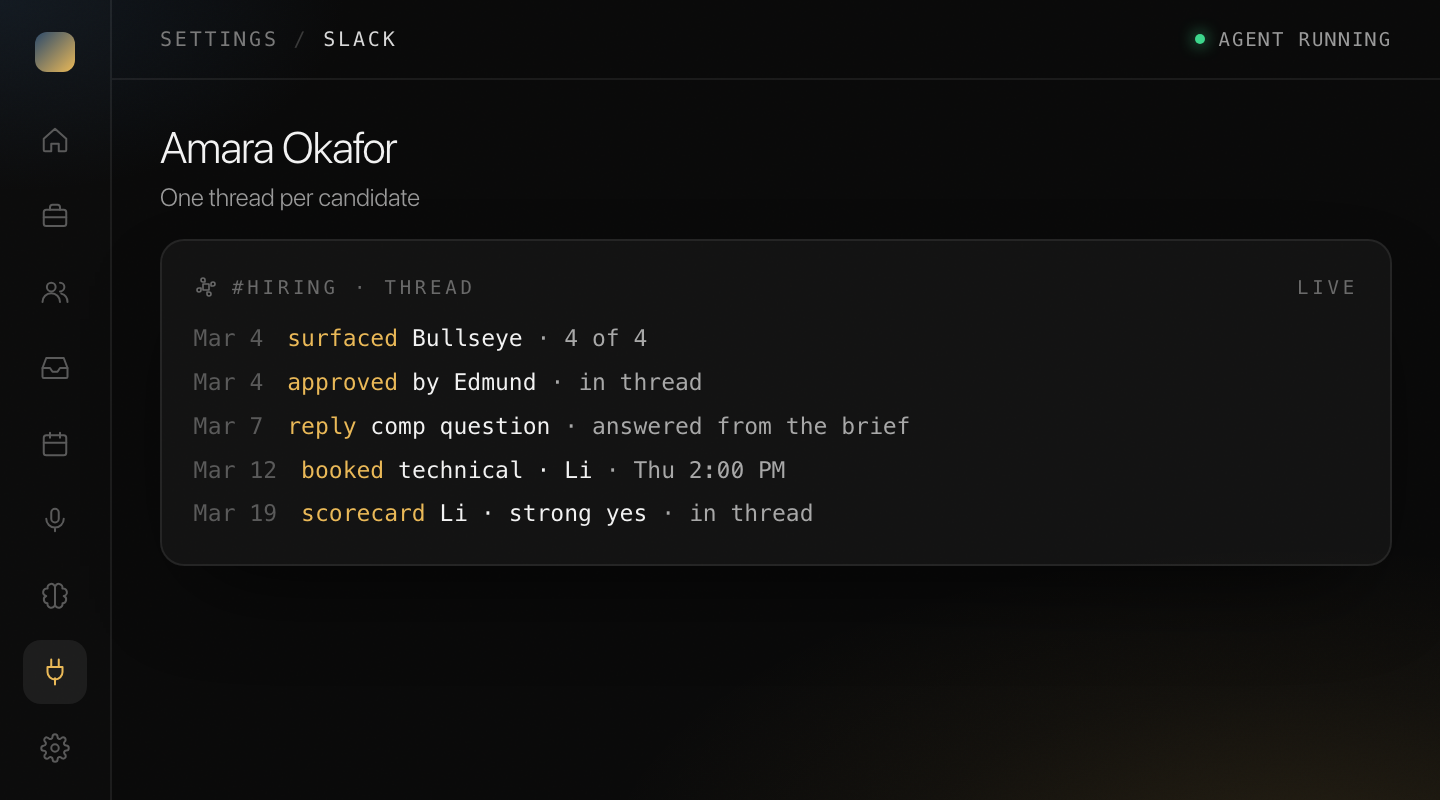
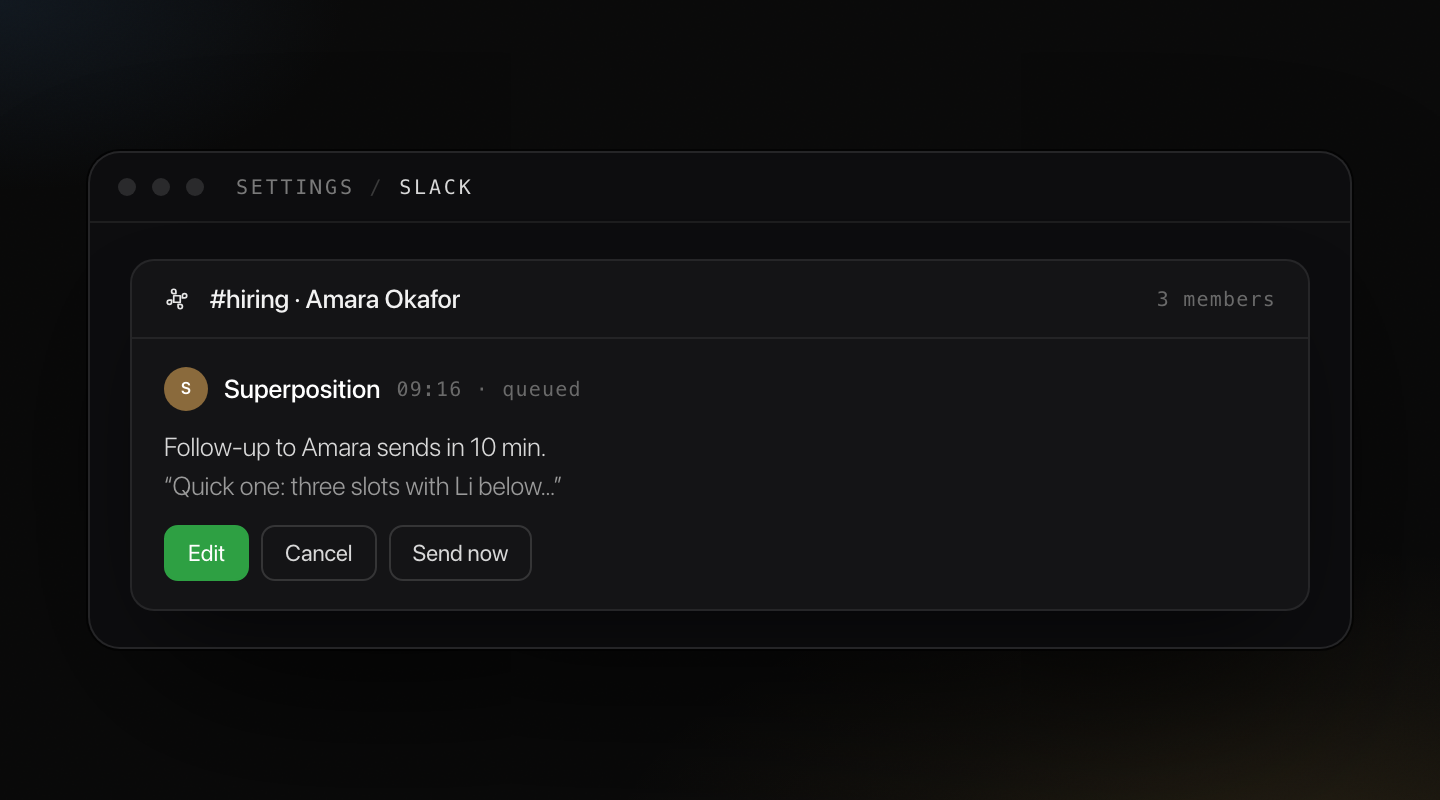
Threads that stay with the candidate
The agent posts updates and replies into the candidate's thread, so the discussion stays next to the person it is about. Queued emails can be edited or cancelled from there.
Talk to the agent where you are
Ask it to move a candidate, send a booking link, or explain a FitCheck, straight from Slack. Same agent, same review layer as the dashboard.
Setup guide in the docsDiscover more features
Get started
Find your perfect weirdo
The person who would fail anywhere else and belongs with you. Tell us the role and we will show you who the agent would go after first.